Make Ideas Clear. Keep Viewers Engaged.
CourseCut.ai converts slide decks into rich, engaging videos using proven learning
and attention principles to help viewers stay focused and understand more.
Works Seamlessly with Your Existing Slides
PPTX-first, workflow-friendly
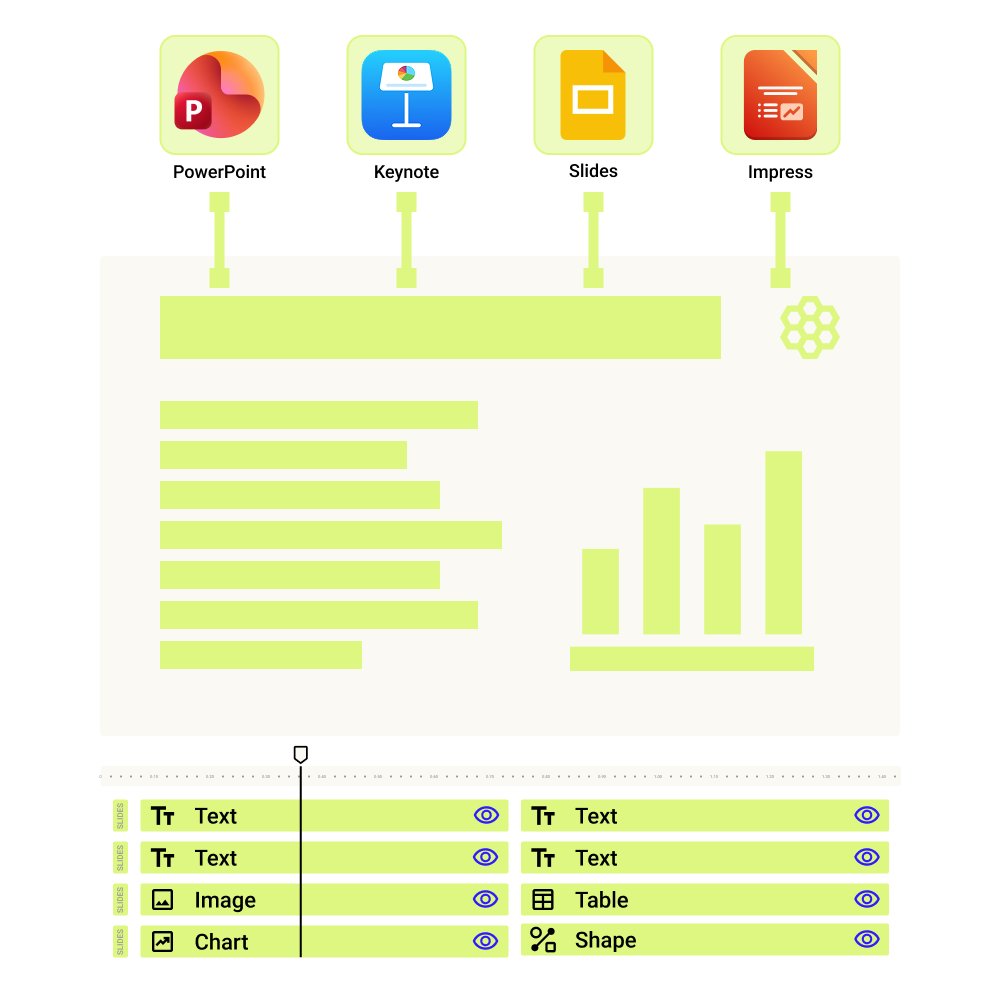
CourseCut works with the most widely used presentation format — PPTX. Export from Microsoft PowerPoint, Google Slides, or Apple Keynote and get started instantly.
Element-level control for final adjustments
Slides are broken into text, images, shapes, and layouts, letting you preview and make final adjustments directly inside CourseCut.
Element-aware AI animations
Because CourseCut understands slide elements, it can intelligently highlight, animate, and guide attention exactly where it matters.
Automatically Writes Your Script to Maximise Understanding
Understands your slides deeply
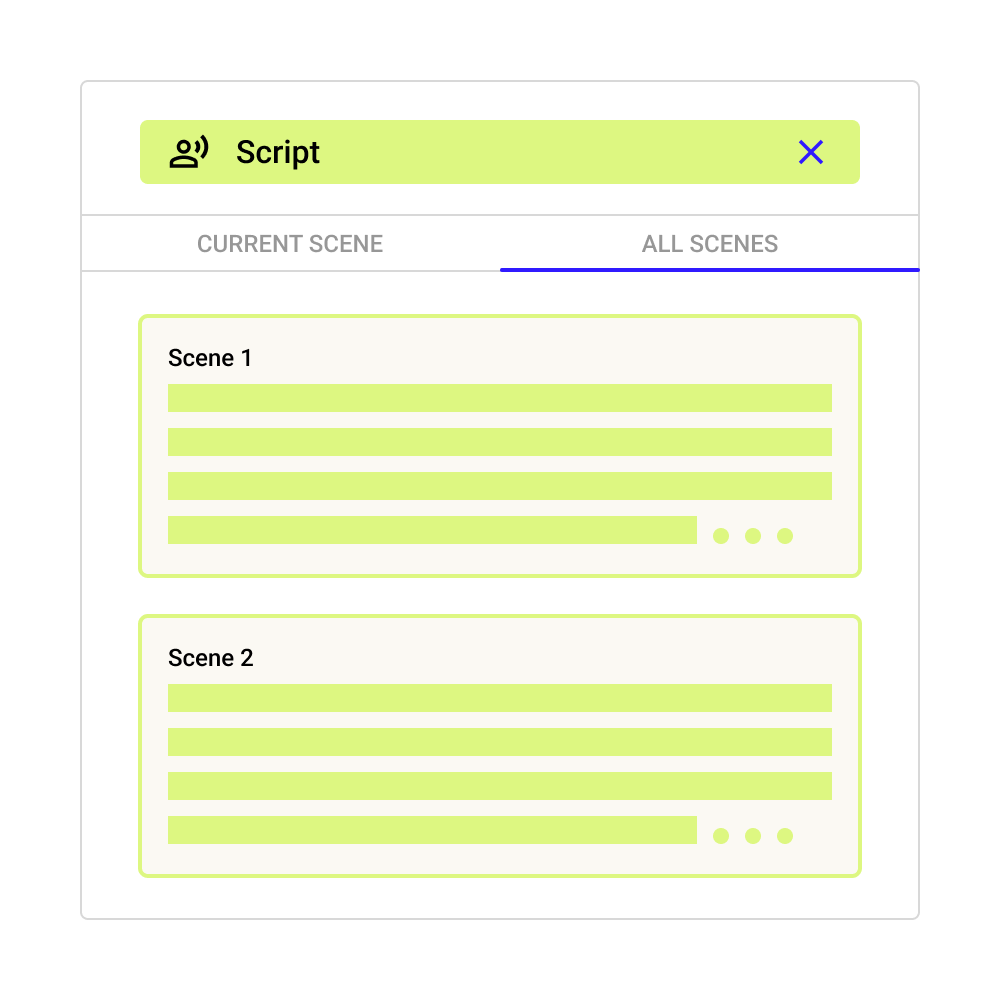
CourseCut reviews your whole slide deck and analyzes not just the text but all the elements including images, diagrams, charts, and presenter notes together. This helps it understand the complete intent and context behind each slide.
Generates clear and natural script
AI produces clear, conversational narration for your slides that explains ideas clearly and keeps viewers engaged.
Editable and creator friendly
You can review the AI generated first draft and fine tune it to adjust tone, simplify explanations, or strengthen key points to improve how learners absorb the content.
Engaging AI Avatars That Bring Your Content to Life
Stock and custom AI avatars
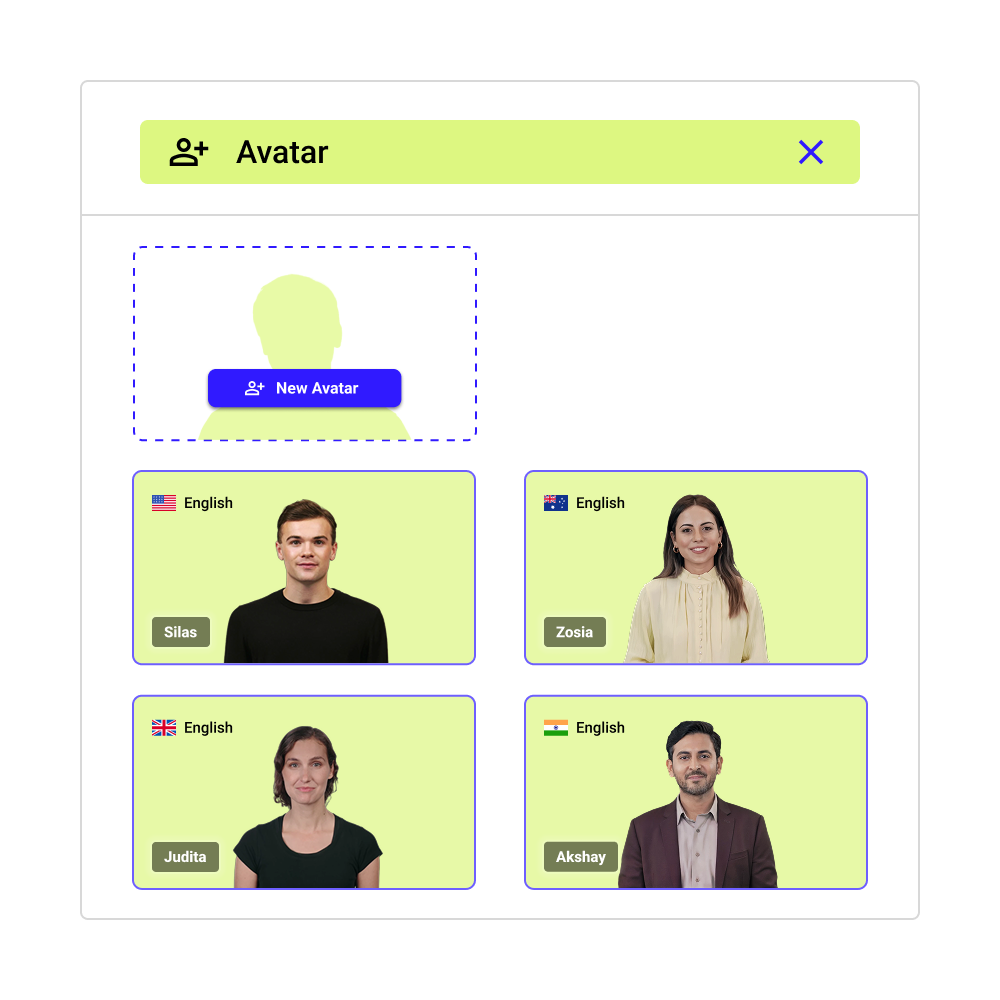
Choose from high quality stock avatars, or create a custom avatar in minutes using a photo and a short audio clip. Instantly get an AI instructor, presenter, or creator that reflects your brand's style.
Realistic delivery that feels human
Powered by the most advanced foundation AI models, avatars combine realistic lip sync, natural facial expressions, and steady eye contact. They deliver your narration with natural sounding voice narration across languages and accents.
Strategically placed to guide attention
Avatars are positioned strategically to enhance your content so they enhance focus, reinforce key ideas, and help viewers stay engaged without distracting from the slide.
Guides Attention with Smart Animations and Audio Cues
Animations that guide visual focus
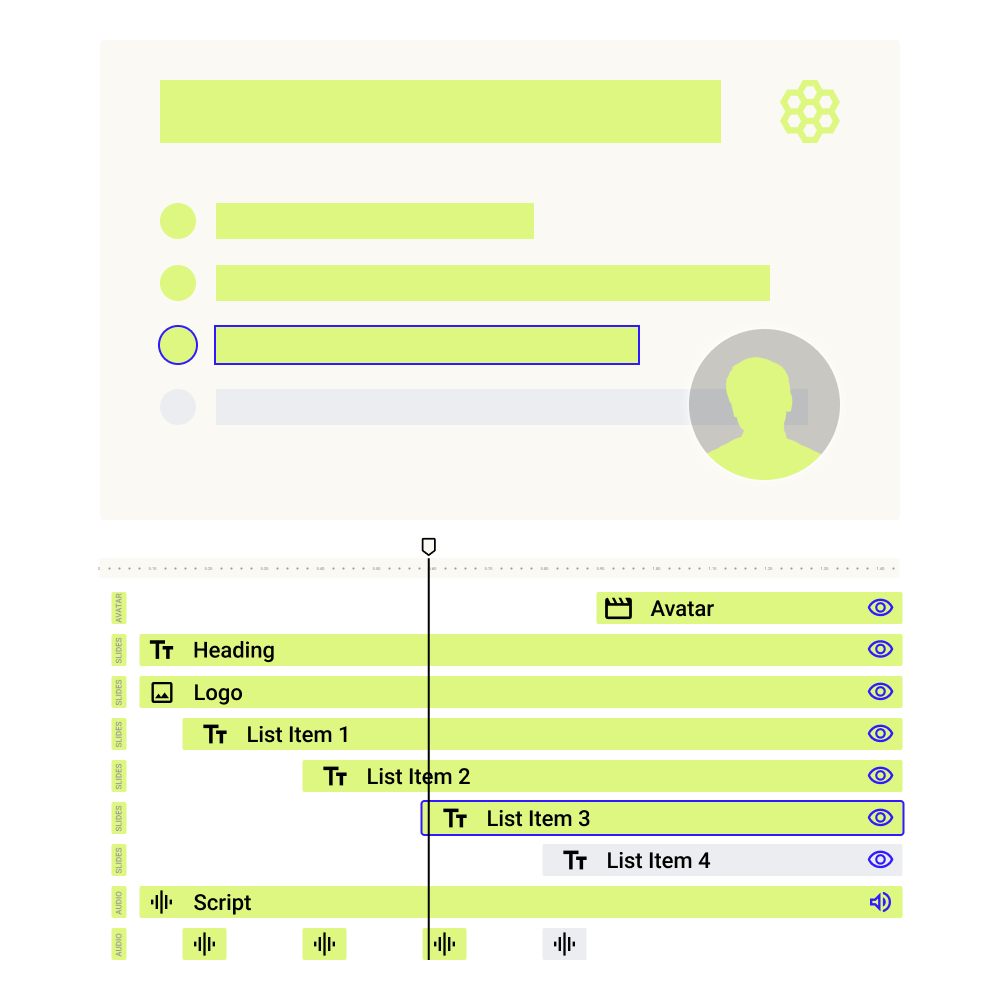
CourseCut applies animations to direct attention to key slide elements. For example, when a slide has multiple bullet points, each one appears or is highlighted as it is explained.
Sound cues that reinforce key moments
Subtle sound effects support animations and slide transitions. For example, a gentle cue can accompany a bullet appearing or a slide changing, reinforcing the timing without being intrusive.
Automatically timed and synced to narration
Animations and sound cues are timed perfectly to the narration so visuals appear exactly when they are being discussed, helping viewers stay focused and follow ideas easily.
Enhances Engagement with Smartly Placed B-Rolls
Relevant visuals added automatically
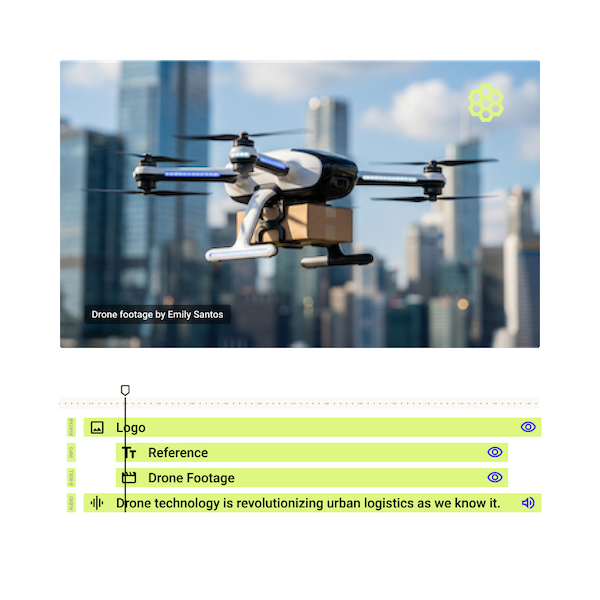
CourseCut automatically inserts context-appropriate B-roll footage to support what is being explained, making the video more engaging and easier to follow.
Licensed and safe to use
All B-rolls are sourced with proper licensing, so your videos are safe for public, commercial, and enterprise use without copyright concerns.
Placed at the right moments
B-rolls appear only when they add value and are timed to the narration so they enhance understanding without distracting from the core content.
Sets the Right Mood with Intelligent Background Music
Music selected automatically
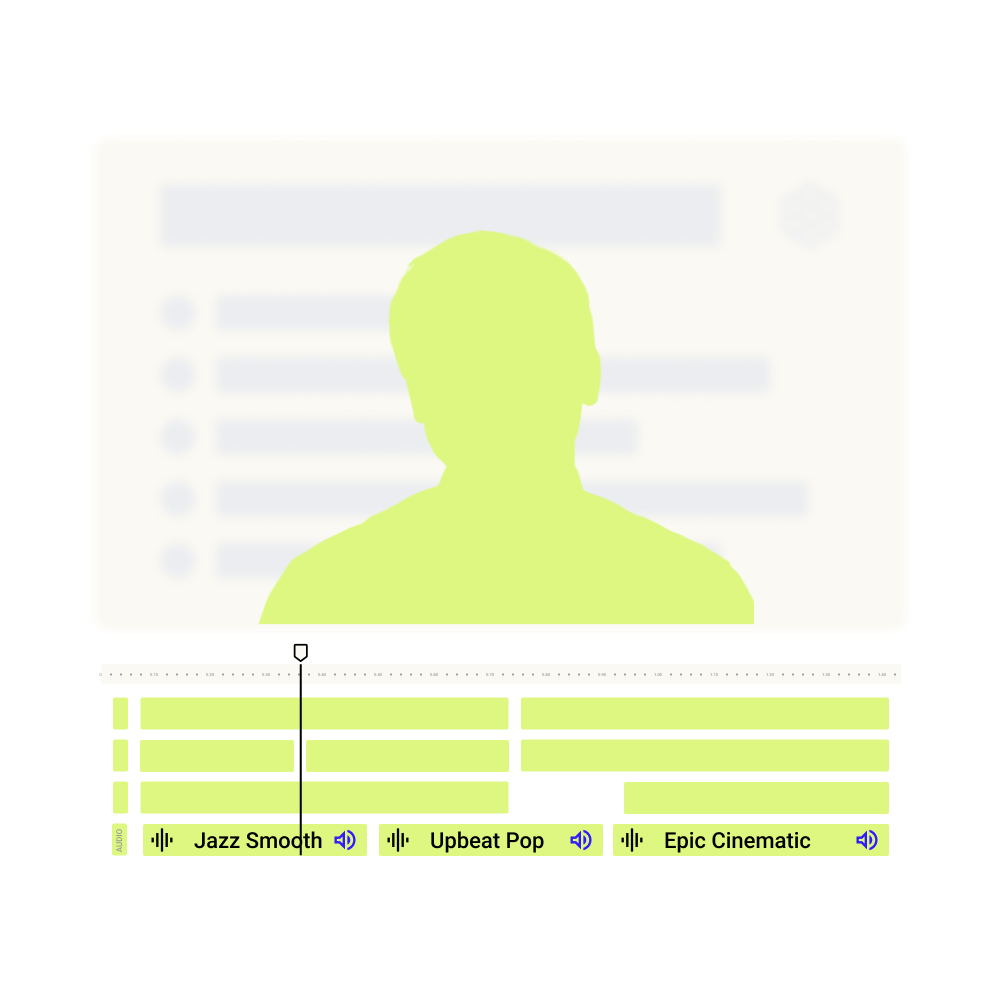
CourseCut selects background music with the right genre and mood to match the tone and intent of your content, whether it is instructional, informative, or inspirational.
Licensed and worry free
All music is sourced with appropriate licensing, so your videos are safe to publish and share without copyright concerns.
Timed to support the narration
Music fades in and out at the right moments and stays balanced with the voice, supporting the message without overpowering it.
Branding That Feels Professional, Not Intrusive
Apply your brand elements effortlessly
Add your logo to your videos so your content stays clearly and consistently branded.
Automatically adjusted for visibility
CourseCut intelligently adjusts size and opacity so branding remains visible without obstructing important video content.
Designed to respect viewer experience
Brand elements are applied thoughtfully to keep focus on the message while maintaining a strong brand presence.

Clear and Accurate Subtitles, Built In
Generated directly from script
Subtitles are created directly from the same narration used in the video, ensuring high accuracy and precise timing without transcription errors.
Easy to follow in any viewing context
Subtitles help learners follow along even when watching without sound and make complex or information-dense content easier to absorb.
Inclusive and ready for global distribution
Subtitles improve accessibility for diverse audiences and can be downloaded as standard subtitle files such as SRT for easy publishing across platforms.

Built-In Credits and Copyright Compliance
Automatic credit roll
CourseCut automatically generates a credit roll for music and media used in the video, saving you manual work.
Designed for copyright safety
Credits are included in line with licensing requirements, helping ensure your videos remain compliant when shared or published.
Peace of mind when distributing videos
Whether for internal training, public platforms, or commercial use, CourseCut helps you create videos that are ready to use without legal concerns.

Share, Download, or Take It Further
Shareable video links with view analytics
Create a shareable link for your video and track views and engagement using built in analytics, helping you understand how your content is being consumed.
Download in industry standard formats
Export your final video in high quality MP4 format, making it easy to publish across learning platforms, websites, or social channels.
Export to professional editing tools
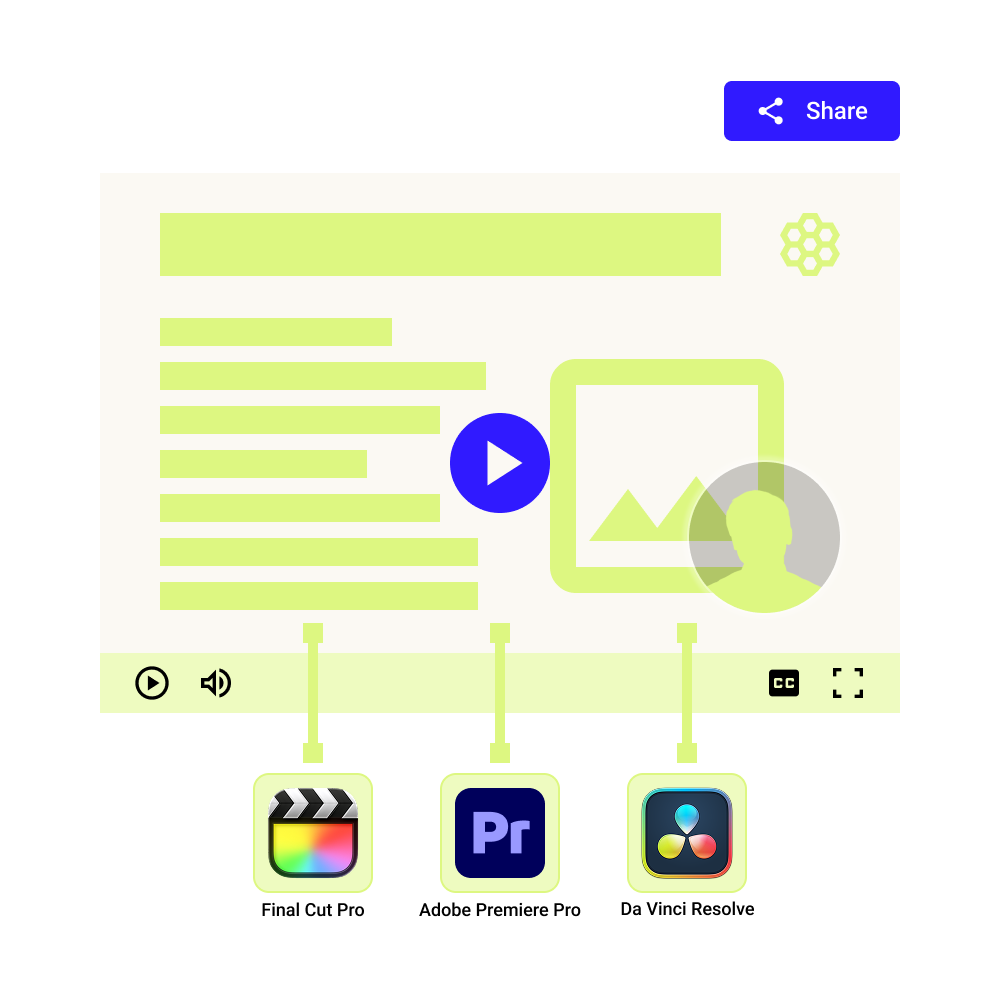
If you need advanced control, export your project to Final Cut Pro X, Adobe Premiere Pro, or DaVinci Resolve to fine tune visuals, audio, or pacing.
Translate and Localise Videos with One Click
Slide text and script translated seamlessly
CourseCut translates both the slide content and the underlying script file while preserving text size and layout, so translated slides fit naturally within your original presentation design.
Realistic multilingual avatar narration
The avatar is automatically recreated in the target language with natural pronunciation and pacing, along with accurate lip sync so the delivery continues to feel human and authentic.
Reach multilingual audiences effortlessly
Create high quality versions of the same video for different languages without re-recording, redesigning slides, or rebuilding the video, making it easy to serve global and multilingual learners.